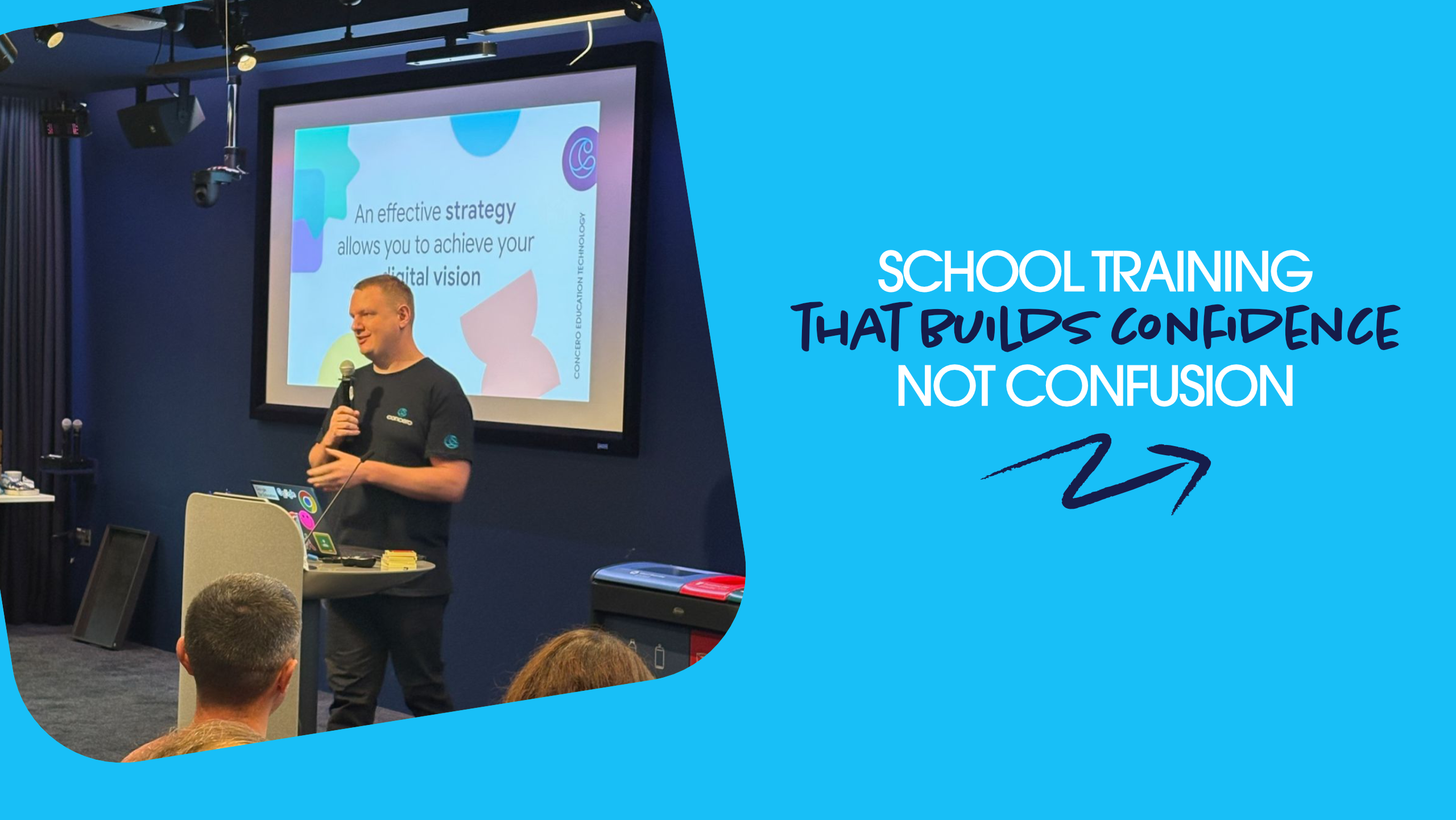

TECH SHOULD SET YOU FREE, never hold you back.
When training lands well, you feel it straight away: staff are confident, systems are used properly, and the everyday runs smoother.
When it doesn't, tools go untouched, risks creep in, and your strategy stalls before it starts.
At Concero, we're built in schools, for schools, and our training is designed the same way: practical, relevant, and shaped around how your school actually works.
Training that strengthens your whole school.
Technology now runs through safeguarding, communication, learning, data protection, and daily operations.
Our job is to make your job easier through technology that supports what you do best. But confidence doesn't automatically come with new systems.

Real school scenarios & settings

Meets staff where they are

Clear, practical training and guidance

Platform-specific expertise (MS/Google/Apple)
Our training options designed for the reality of school life.

Cyber Security Training
NCSC-aligned cyber training modules delivered with real-life education examples focused on practical steps staff can take to stay safe and protect school data.
Key topics
- Password security & MFA
- Phishing & email threats
- Device security & updates
- Data protection & safe handling
- Real-world school scenarios
Audience
All Staff
Best for
Whole-school awareness, safeguarding culture, reducing risk
BOOK CYBER TRAINING
AI Training for Education
A clear introduction to AI in education benefits, limitations, and risks aligned to DfE guidance. Includes practical walkthroughs of tools such as Copilot, Gemini, and NotebookLM.
Key topics
- What AI is (and isn’t)
- DfE guidance & safeguarding considerations
- Ethical and responsible use
- Copilot / Gemini / NotebookLM overview
- Practical classroom & staff use cases
Audience
All Staff
Best for
Whole-school awareness, safeguarding culture, reducing risk
TALK TO US ABOUT AI TRAINING
E-Safety Session for Parents
Clear, practical guidance for parents on online safety key risks, real-life scenarios, and simple takeaways they can apply at home.
Key topics
- Social media risks
- Online gaming & chat risks
- Privacy & data sharing
- Screen time & wellbeing
- Practical advice for home
Audience
Parents
Best for
Building a shared approach between school and home
ENQUIRE ABOUT PARENT SESSIONS
Microsoft 365 / Google Workspace Showcase
Ideal after cloud migration or where adoption is low. A practical introduction to the core tools staff need for teaching, learning and collaboration.
Key topics
- Email & calendaring basics
- File storage & sharing (OneDrive / SharePoint / Google Drive)
- Collaboration tools (Teams / Classroom)
- Device sign-in & security basics
- Education-specific features
Audience
All Staff
Best for
Whole-school awareness, safeguarding culture, reducing risk
BUILD A ROLLOUT PLANProud Headline Partner


Accessibility Training for School Staff
A hands-on session showing built-in accessibility tools across Microsoft and Google platforms supporting inclusion, reasonable adjustments, and better outcomes for pupils and staff.
Key topics
- Screen readers & magnification
- Dictation & speech-to-text
- Read aloud & immersive readers
- Colour filters & contrast tools
- Supporting SEND and accessibility needs
Audience
All Staff
Best for
Whole-school awareness, safeguarding culture, reducing risk
BOOK ACCESSIBILITY TRAININGA people-first approach.
Good training isn't about squeezing content into a slot. It's about how supported people feel afterwards.
We start with people, not systems. Listening first, then shaping the session around your context.
And because technology in schools is all connected, training works best when it's aligned with cyber, safeguarding, platforms, and accessibility, working in the same direction.


How training works
What you can expect
Scoping chat
A quick conversation about your goals, risks, and starting point.
Tailored plan
A session plan shaped around your staff, your setup, and your priorities.
Delivery
Clear, practical, and grounded in school reality. Delivered online or on-site.
Follow-up (optional)
Resources, next steps, and ongoing support to keep momentum going.
Simple. Clear. Designed to land.
Let's build your training planFAQs
Do you deliver training for both Microsoft and Google?
Yes - sessions can be tailored to Microsoft 365, Google Workspace for Education, or mixed environments.
Is this suitable for MATs?
Absolutely. We can run consistent sessions across multiple schools and align training to trust priorities and standards.
Can you link training to wider improvement work?
Yes - training often connects to strategy, cyber security, accessibility and cloud confidence, so progress doesn't get stuck in a drawer.
Why do schools choose Concero for training?
We focus on behaviour change. Every session is practical, relevant, and designed to reduce real risk and build real confidence. Training should make a measurable difference, not just tick a box.
Our training is open to all
schools and trusts.

Whole-School Training Days
Inset days or staff development time.
A focused session, or series of sessions - delivered to your full team.

Targeted Sessions
For SLT, safeguarding leads, IT teams or phase groups.
Deep dives where it matters most.

Ongoing Training Programme
For trusts or schools that want a structured rollout over time.
A planned programme aligned to your digital strategy, safeguarding priorities, or improvement plan.
However you choose to work with us, every partnership is shaped around your context - not a one-size-fits-all model.
Let's build your training planNot Sure Where to Start?
Tell us your platform, your priorities, and who you want to train and we'll recommend the right session(s) to get momentum quickly.
Talk to us about training